
Free tool
Control Chooser
Tell us the screen size, the power and how you will use it and see the motor, the controls and the extras.
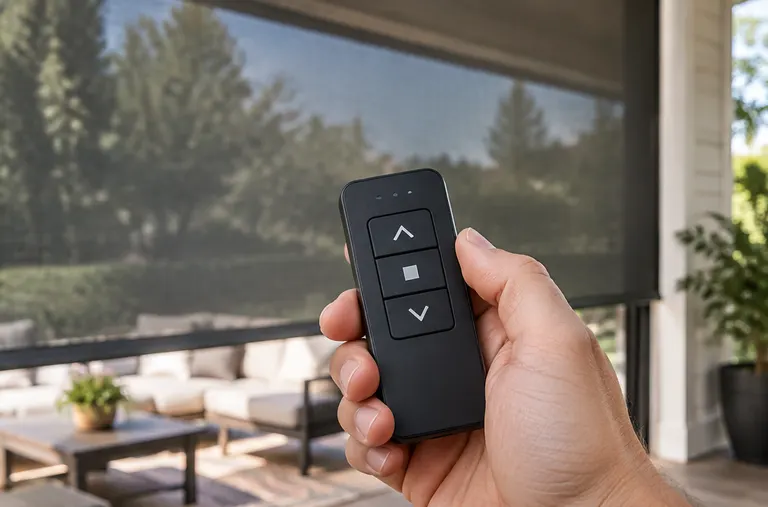
How big is the screen?
Power nearby
How will it be used?
Saved. It will travel with your request below.
A guide. Motor and control options differ by model, and we confirm what yours supports.
How to use it
Three quick steps
- 1Describe the screenSize, power nearby and how it will be used.
- 2Tick the extrasApp, voice, sensors, timer or backup.
- 3Read the packageSee the motor, power, controls and extras.
Questions
About the control chooser
Is this a final recommendation?
It is a guide. Models differ, and we confirm what yours supports.
Do all motors work with apps?
Not all. We choose one that does if you want it.
What if the power goes out?
A battery backup or a crank override lets you raise the screen.
Next step
Services that go with this tool
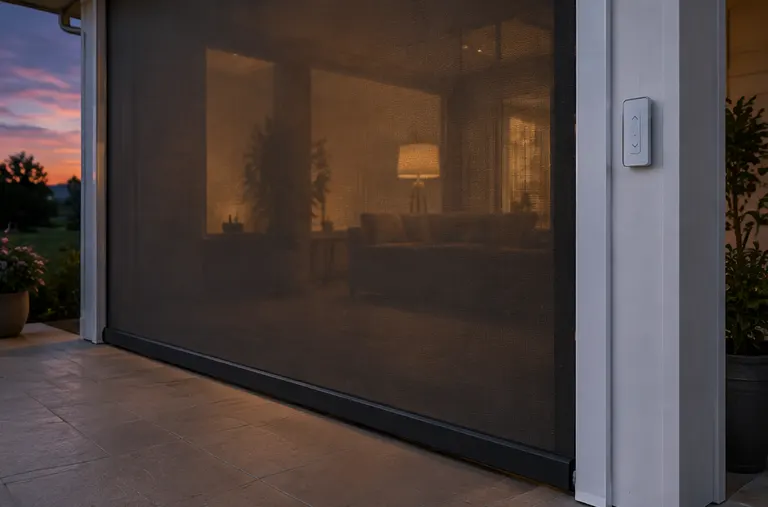 Motorized Retractable ScreensPress a button and the screen lowers or lifts on its own, with stops set so it always lands in the right place.See the service
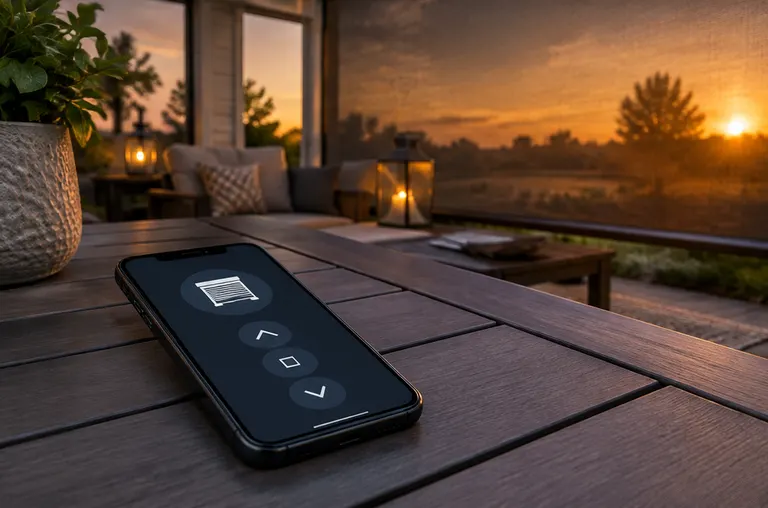 Smart Home and App ControlPhone and voice control for retractable screens, with scenes that lower them at sundown or when the sun hits.See the service
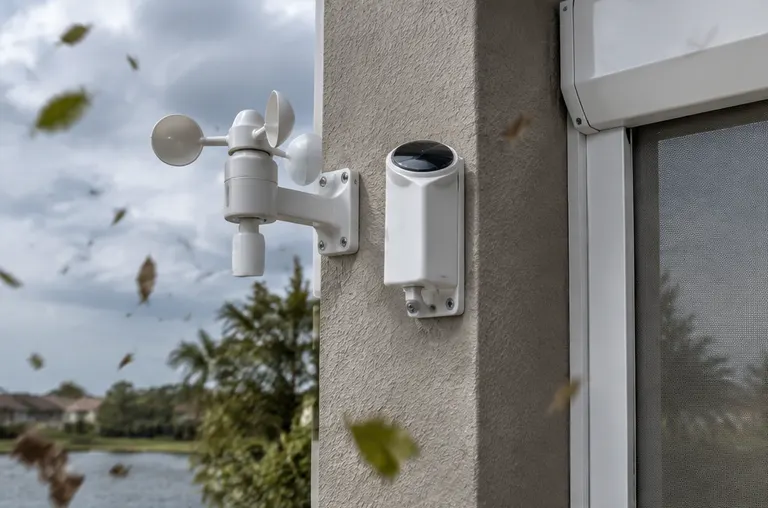 Wind and Sun SensorsSensors that raise the screen when it is windy and lower it when the sun gets strong.See the service
Take back your patio.
Call or text, or send the form. Tell us where the screen would go and what bothers you most, and we will plan the screen, the fabric and the controls.