Motors and Controls
Smart Home and App Control
Many modern motors work with a hub or app. You can lower the screens from your phone, ask a voice assistant, or build scenes that run at sundown or when the temperature rises.
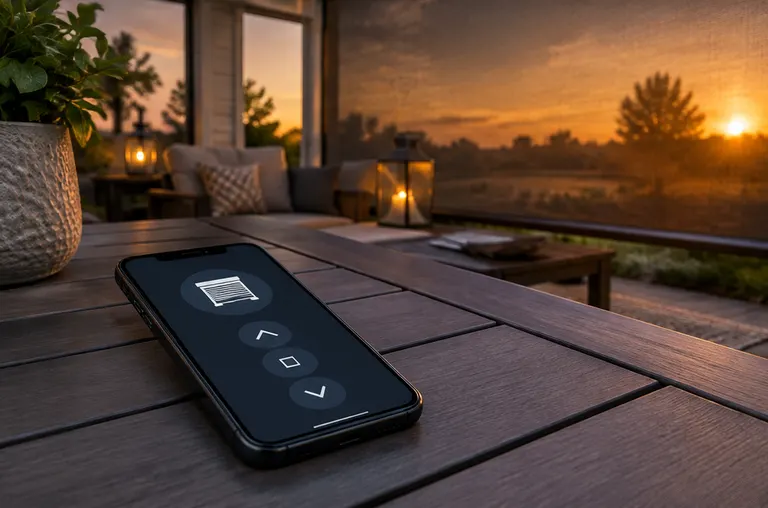
- ControlPhone app or voice
- ScenesSundown, sun, temperature
- HubsCommon smart-home hubs
- SetupWe pair and test
What you get
What is included
- 1Anywhere controlLower the screens from the couch or from work.
- 2Automatic scenesScreens move on their own.
- 3Works with other devicesLights and fans can join the scene.
- 4We set it upYou get a working system.
How it works
From the first look to the finished screen
- 1Check the motorWe confirm it works with your hub.
- 2ConnectThe motor is paired with the app.
- 3Build scenesWe set the ones you want.
- 4TeachWe show you how to change them.
Good fit when
Is this the right service for you?
- A smart home
- Anyone who travels
- A patio with lights and fans
- A tech-friendly household
Questions
Common questions
Do I need a hub?
Many motors need a small hub or bridge. We tell you what yours needs.
Does it work with voice assistants?
Many do. We confirm the supported ones before you buy.
What if the Wi-Fi is down?
The remote and wall switch still work.
Goes well with
Services that pair with this one
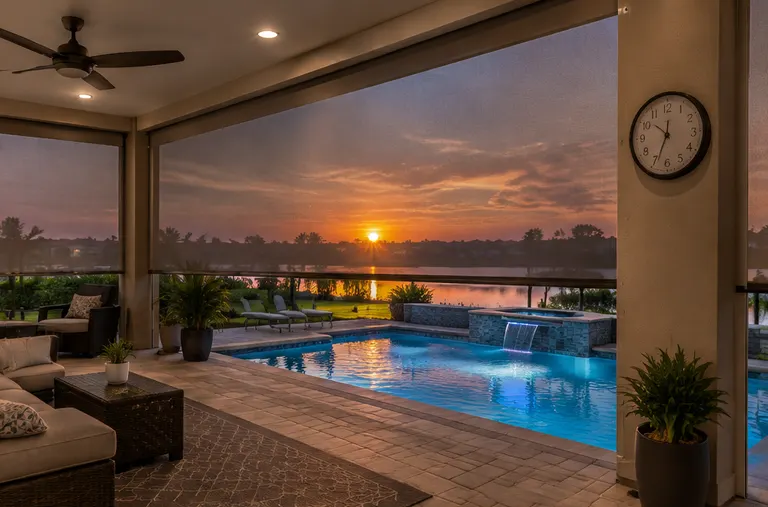 Timers and SchedulingSet the screen to lower at dusk or raise at breakfast, so it moves while you are busy.See the service
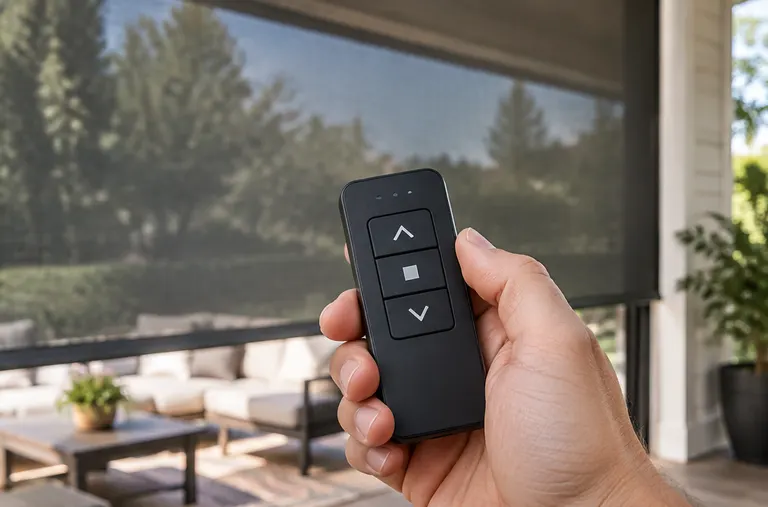 Remote Control Screen MotorsHandheld remotes that raise and lower one screen or a whole group, with limits set so it always stops in the right place.See the service
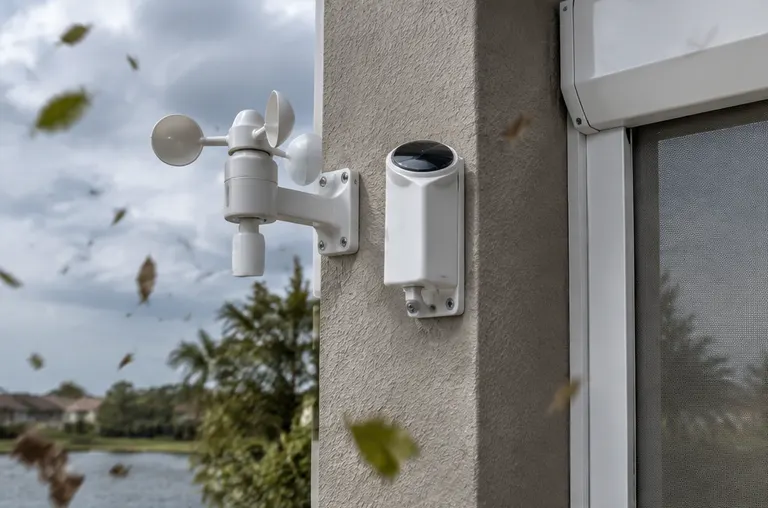 Wind and Sun SensorsSensors that raise the screen when it is windy and lower it when the sun gets strong.See the service
Where we work
Find your city
Type your city or neighborhood to open the page for help near you.
Start typing, for example a city name or a neighborhood.
Take back your patio.
Call or text, or send the form, and tell us where the screen would go. We will plan the screen, the fabric and the controls.